What kind of clothing photo works best?
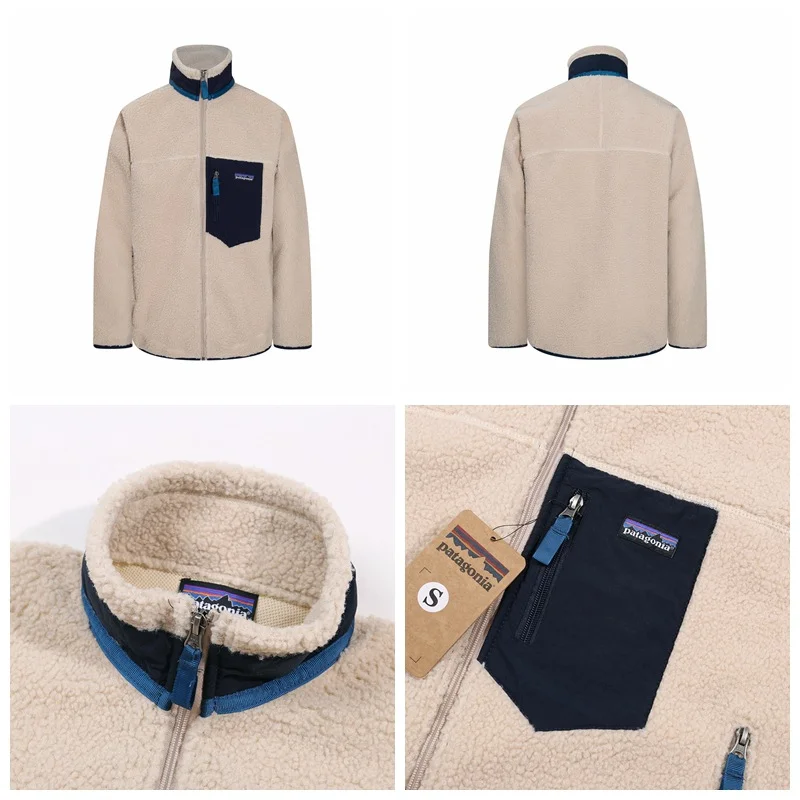
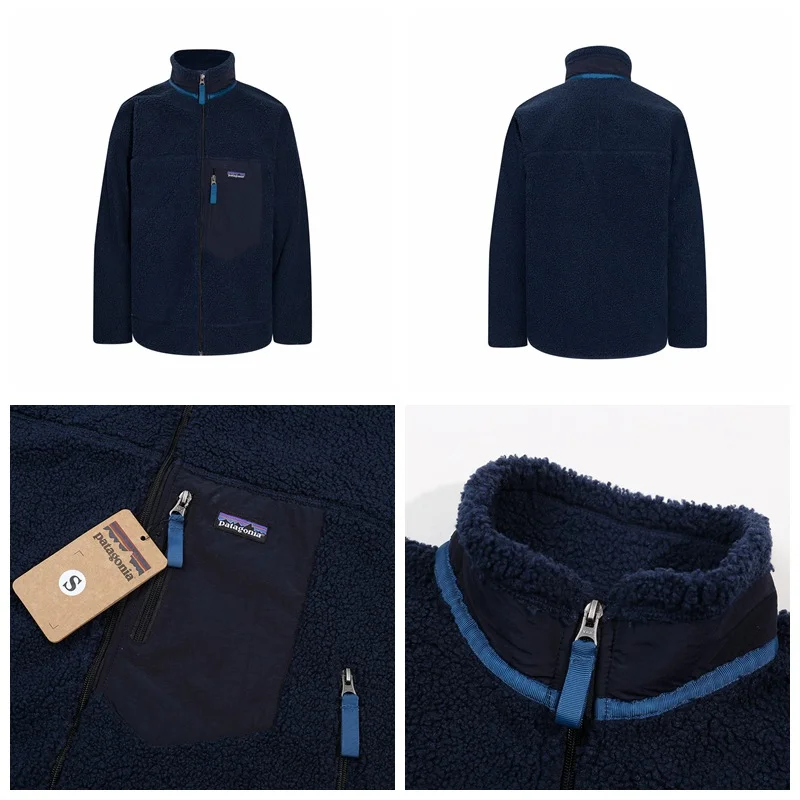
A flat lay, hanger, or mannequin shot where the whole garment is clearly visible, well lit, and not heavily wrinkled.
AI MODEL SHOT
Upload just the clothes and get a photo of a model wearing them. No model, no shoot.
ManyTool AI
Upload a clothing photo (flat lay, hanger, or mannequin) and get a lookbook-style shot of an AI model wearing it.
Drag or click to choose an image.
Model & background
0/50선택 사항입니다. 기본 엔진 설정은 유지하고, 짧은 추가 디테일만 더합니다.
Short prompts work better. Long prompts can reduce quality.
Just the clothes
Flat lays, hanger shots and mannequin photos all work. Colors, patterns and logos are kept as they are.
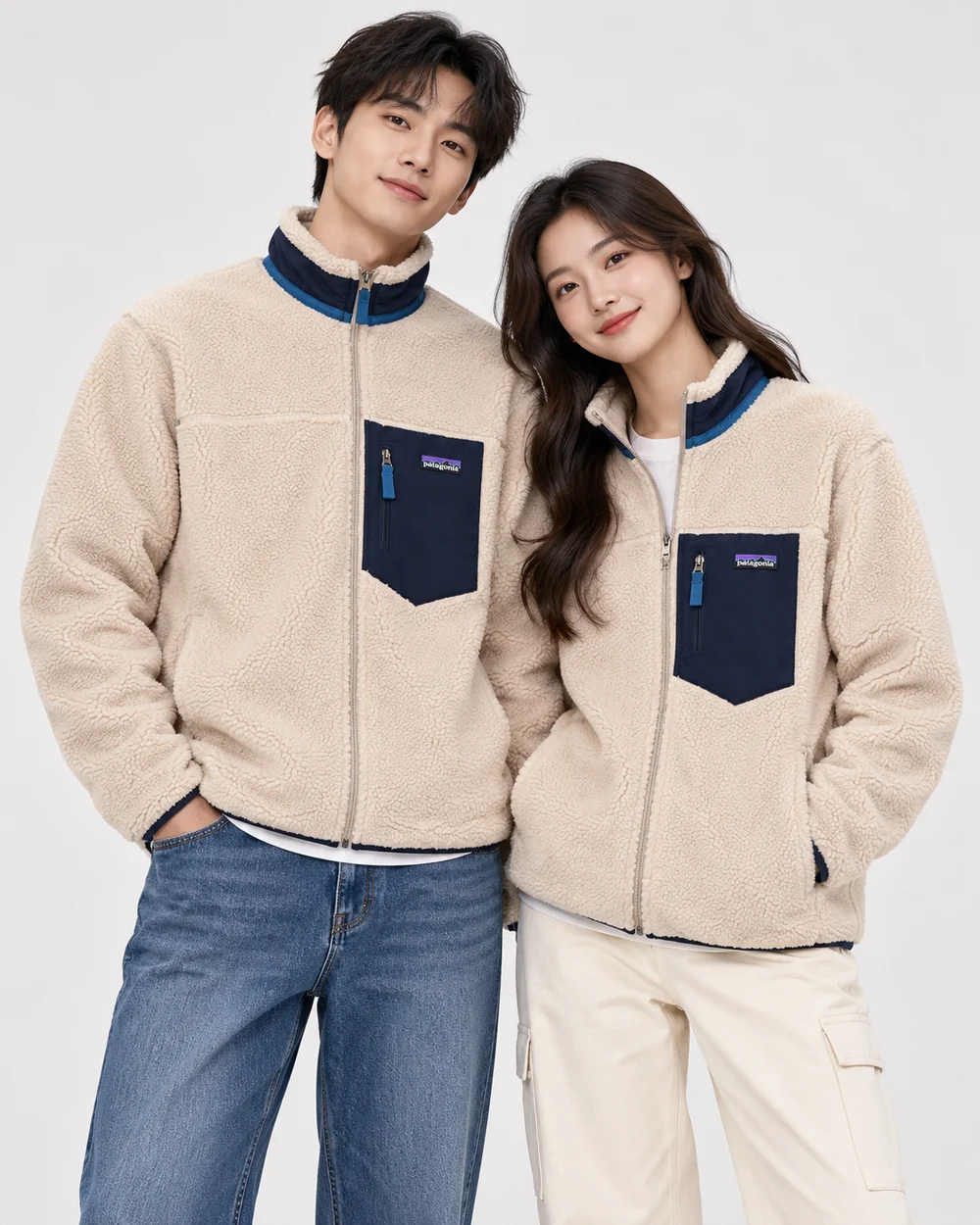
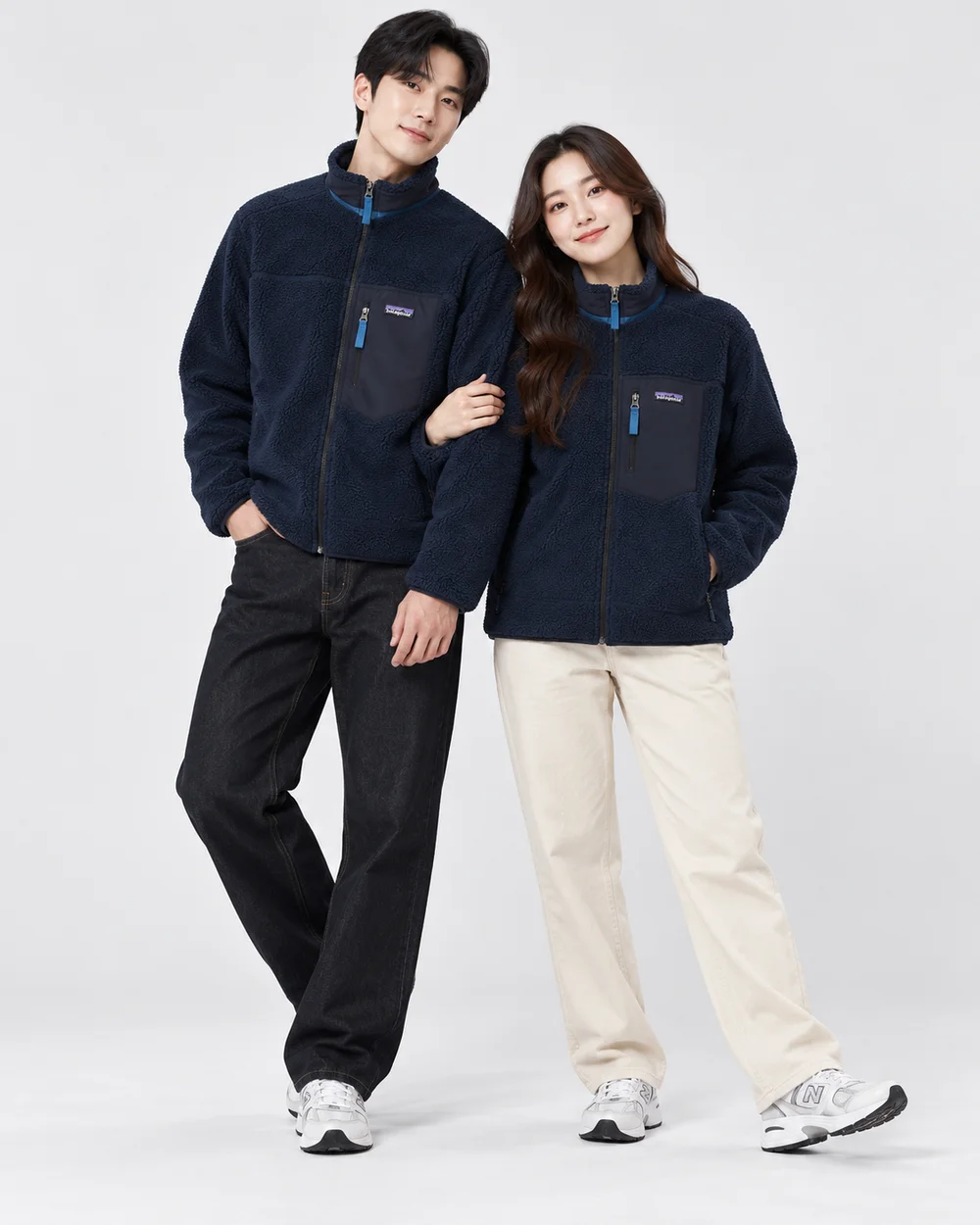
Clean white-studio lookbook shots you can drop straight into product pages. No shoot for every new arrival.
① Clothing photo in
② AI result
① Clothing photo in
② AI result
① Clothing photo in
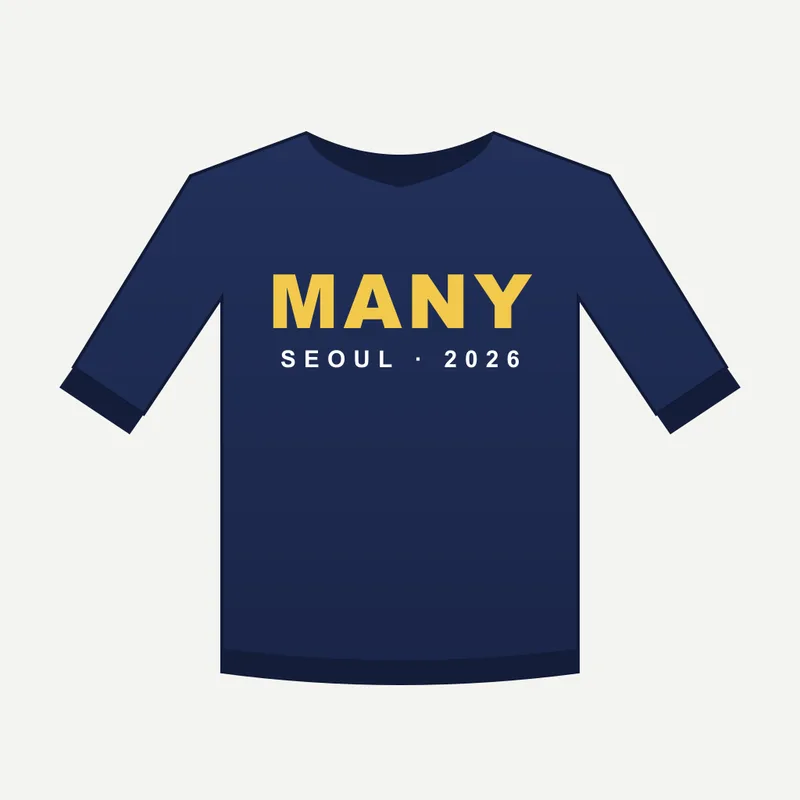
② AI result
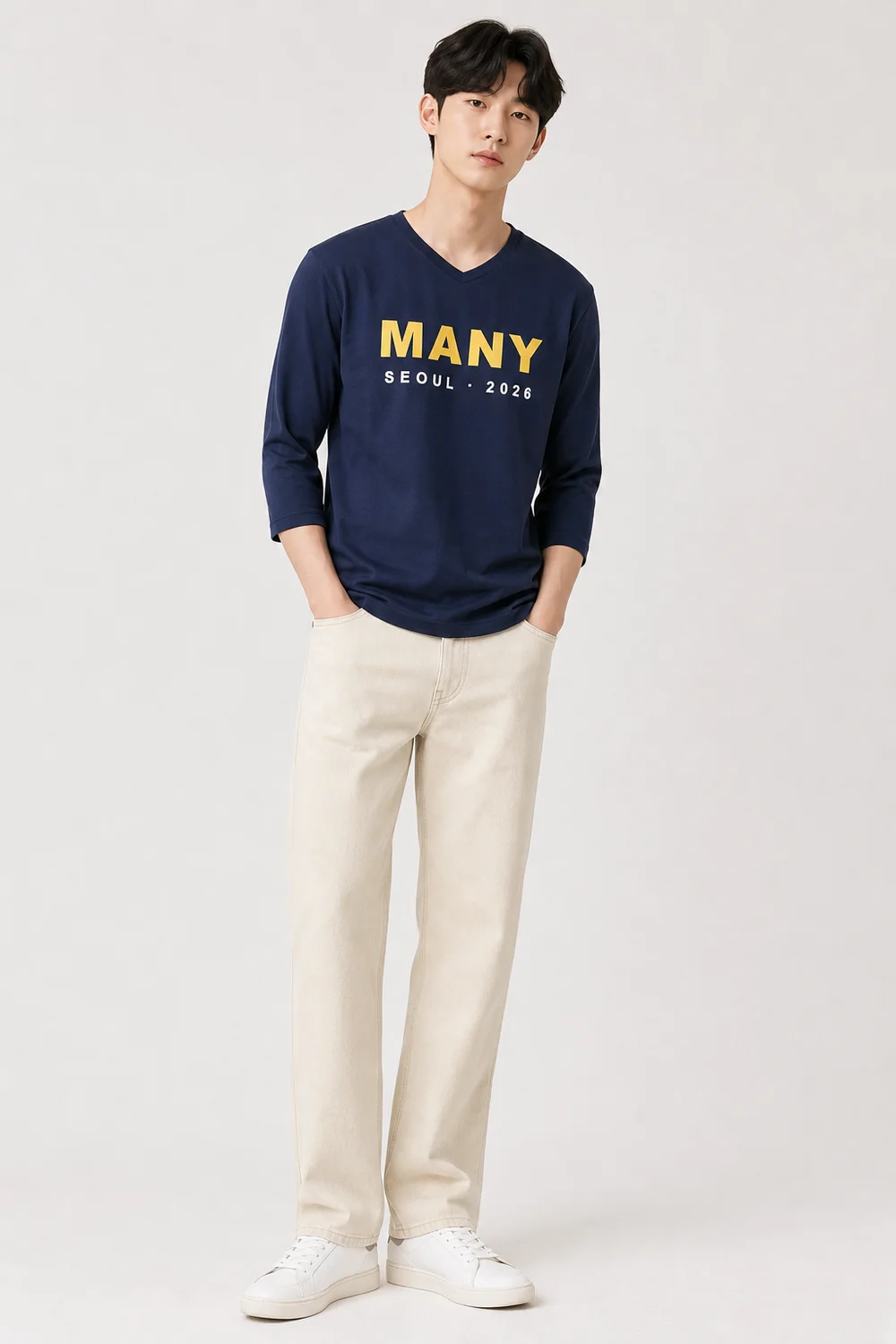
Let an AI model wear the clothes you want to buy or already own, and preview the fit, length and overall vibe.
One photo where the whole garment is visible.
Write something short like "male model, outdoor street". Leave it empty for a white studio.
Save the high-resolution result in about 30 seconds.
Feed your model shots into the AI Product Detail Studio to draft a full store product page.
A flat lay, hanger, or mannequin shot where the whole garment is clearly visible, well lit, and not heavily wrinkled.
The tool is built to keep color, pattern, logos, and details, but small text or complex prints can drift, so review before publishing.
Yes. Add a short request like "male model, outdoor street". Leave it empty for a clean white studio lookbook.
Yes, for products you sell. Always check that the image represents the real product accurately.